
Setup All games
How to Play Browser Games with Friends Online (Codes, Links, Fixes)
How room codes and invite links work in free browser games, how many friends each HQBG game holds, and what to do when a friend can't connect or join.
Short answer: open the game, choose Play online, host a game and send your friend the 6-digit code or the invite link. Your friend opens the same game, types the code and presses Ready. No account is needed in any HQBG game.
Host and join in four steps
- 1
Host
One person opens the game on hqbg.ai and chooses Play online, then Host or Create.
- 2
Share
You get a 6-digit code. Send it in any chat, or copy the invite link: it opens the game and fills the code in.
- 3
Join
Your friend opens the same game, chooses Play online and types the code.
- 4
Ready, start
Everyone presses Ready. Only the host changes the match settings and presses Start.
How many friends each game holds
| Game | Online players | Device | Notes |
|---|---|---|---|
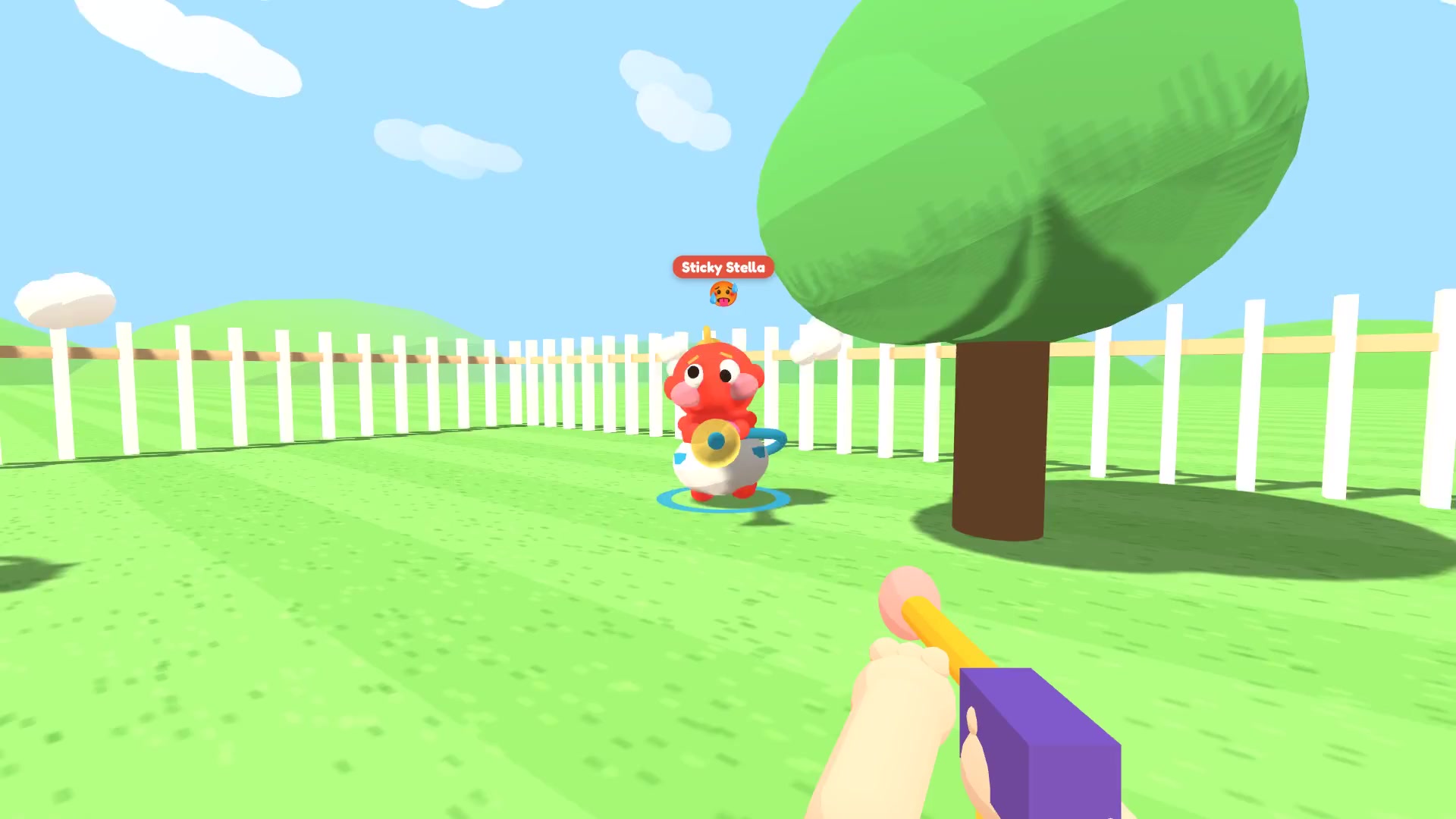
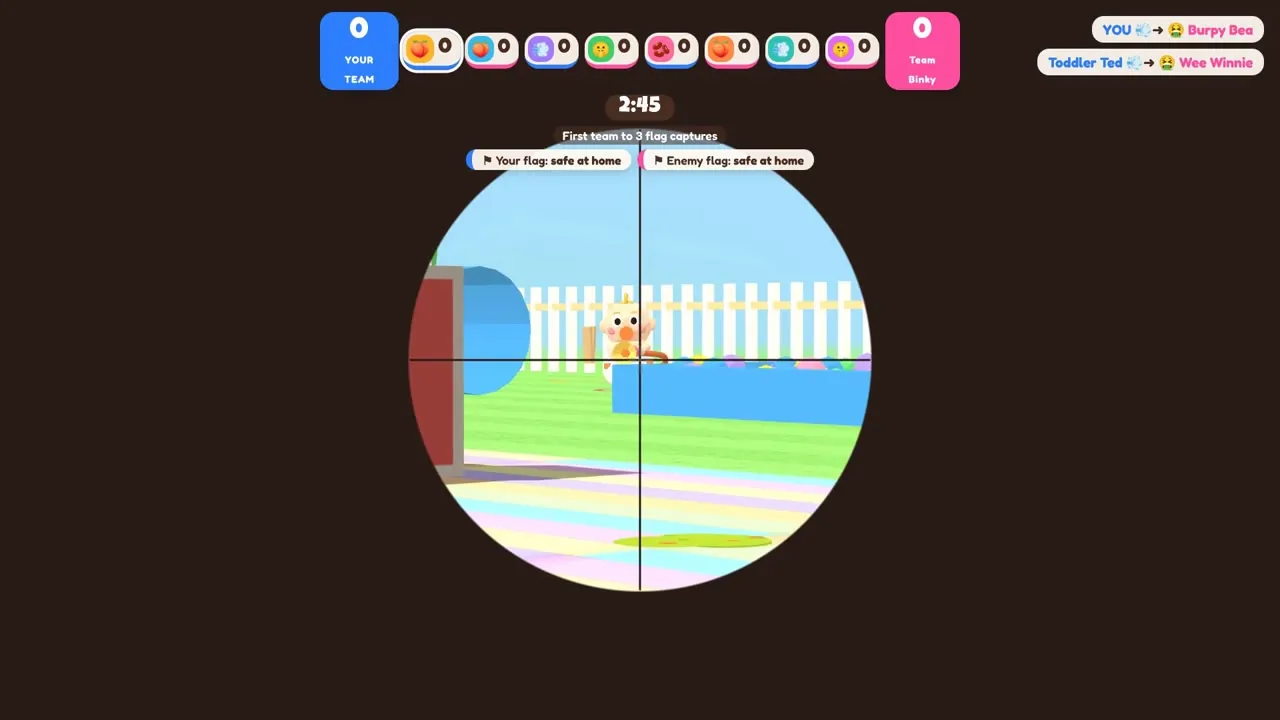
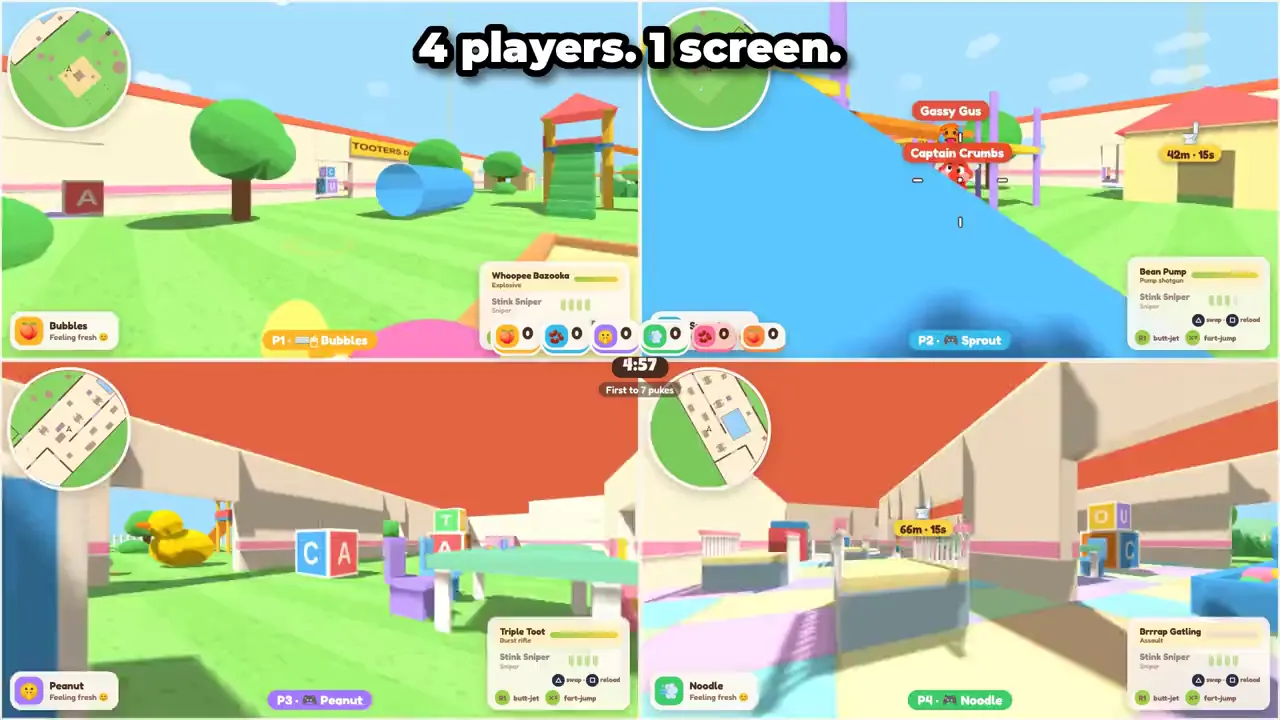
| Toot Tots | Up to 10 | Computer | Friends can join mid-match and take over a bot |
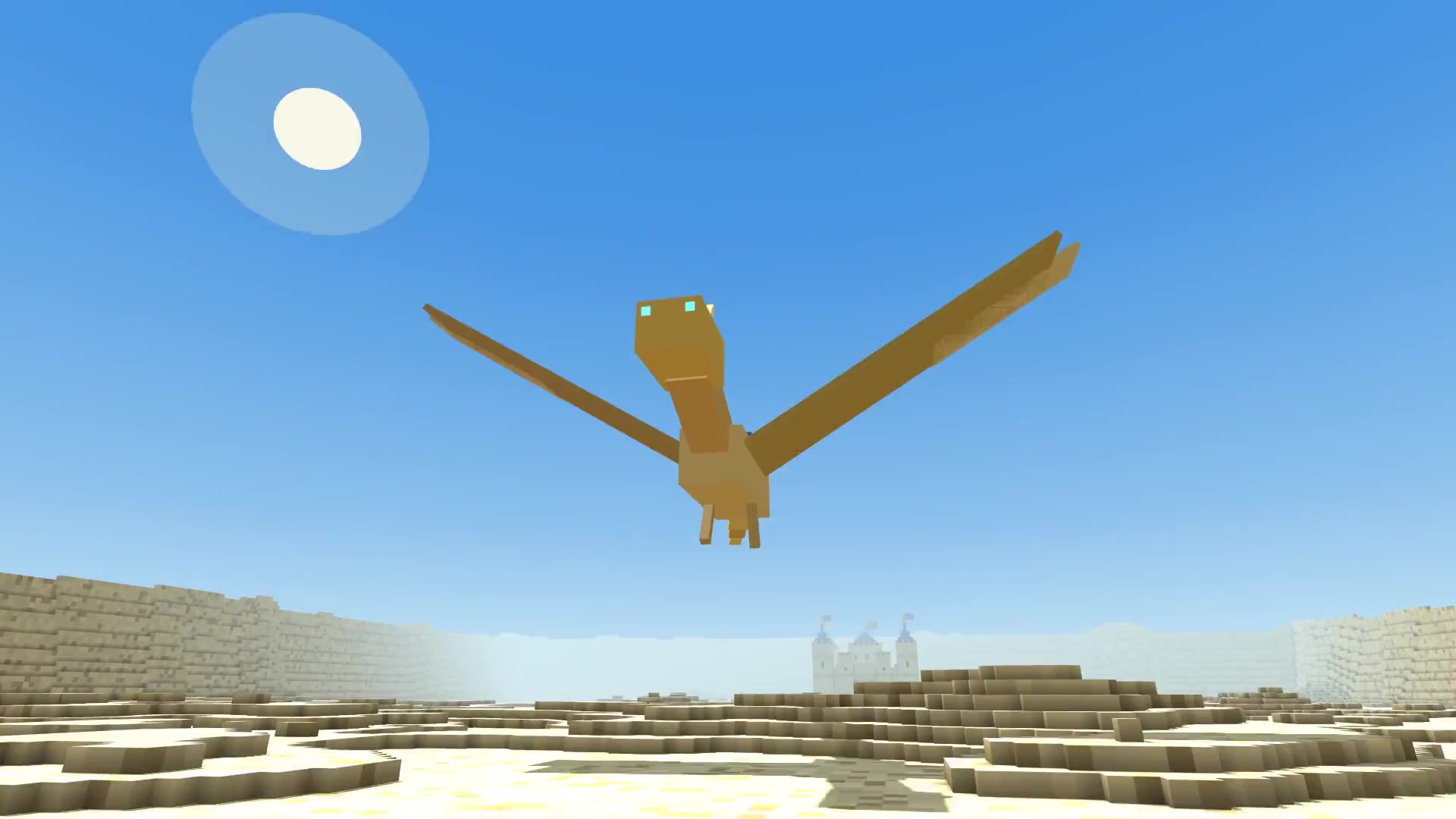
| Dune Duel | Up to 6 | Computer | Free-for-all, late joiners wait for the next match |
| Primal Royale | Up to 5 | Computer | Bots fill empty spots |
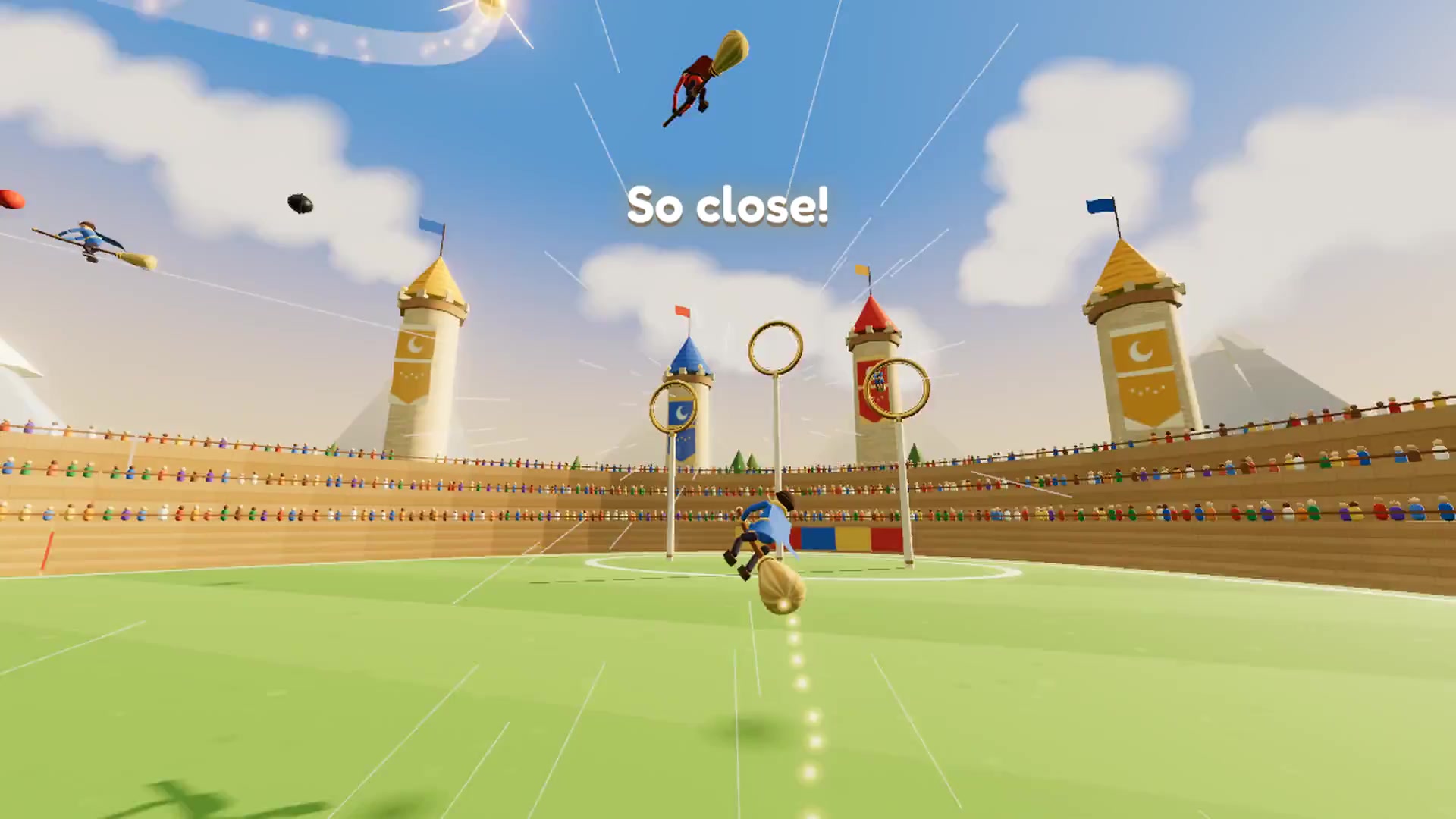
| Sky Seeker | Up to 4 + AI rival | Computer or phone | Everyone picks their own robe |
| Boom Box | Up to 4 | Computer | A friend who leaves is replaced by a bot |
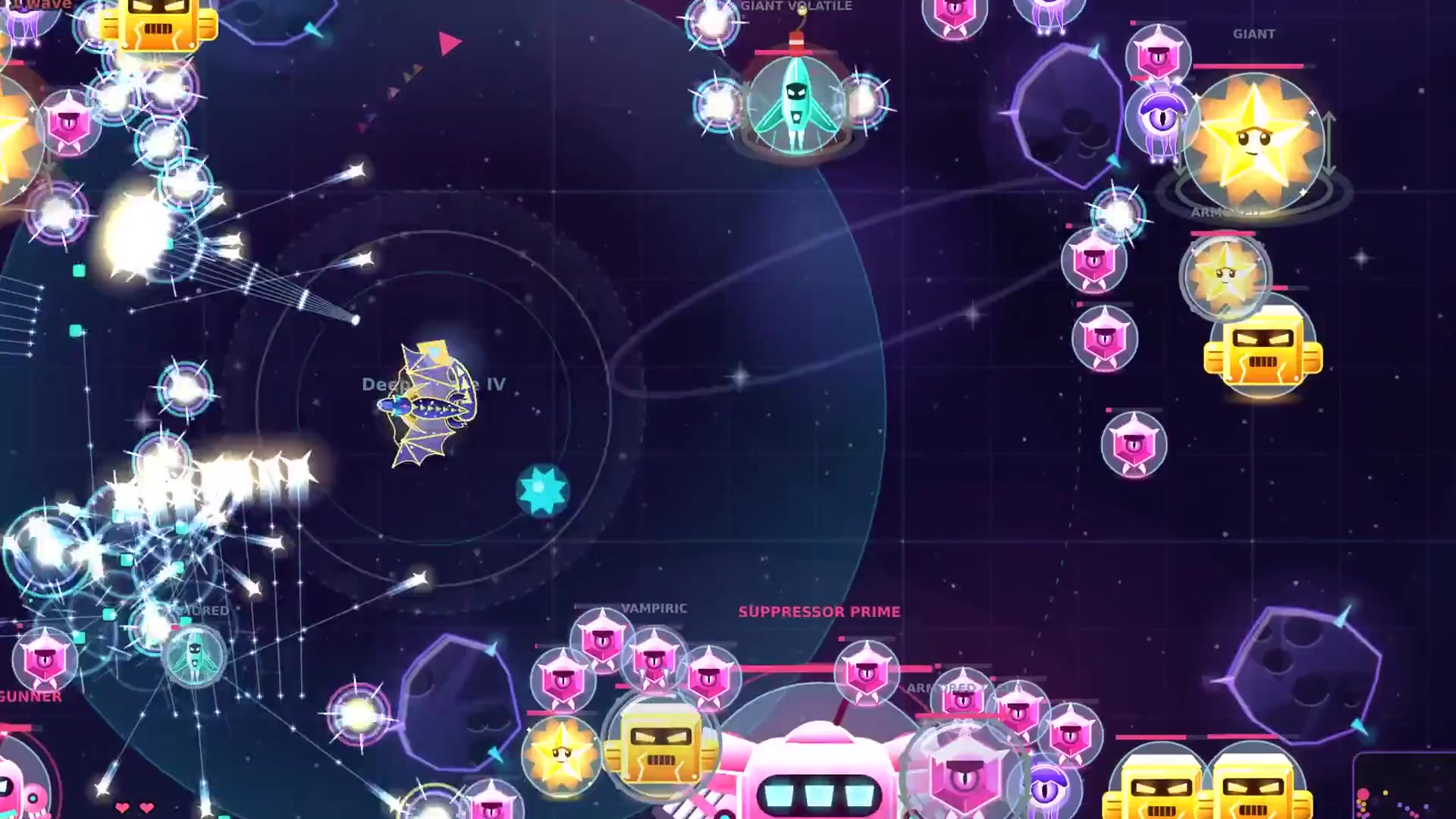
| Wave Battler | 2 (co-op) | Computer or phone | Bosses get tougher in co-op |
| Tagroo | 2 | Computer | Host is Player A |
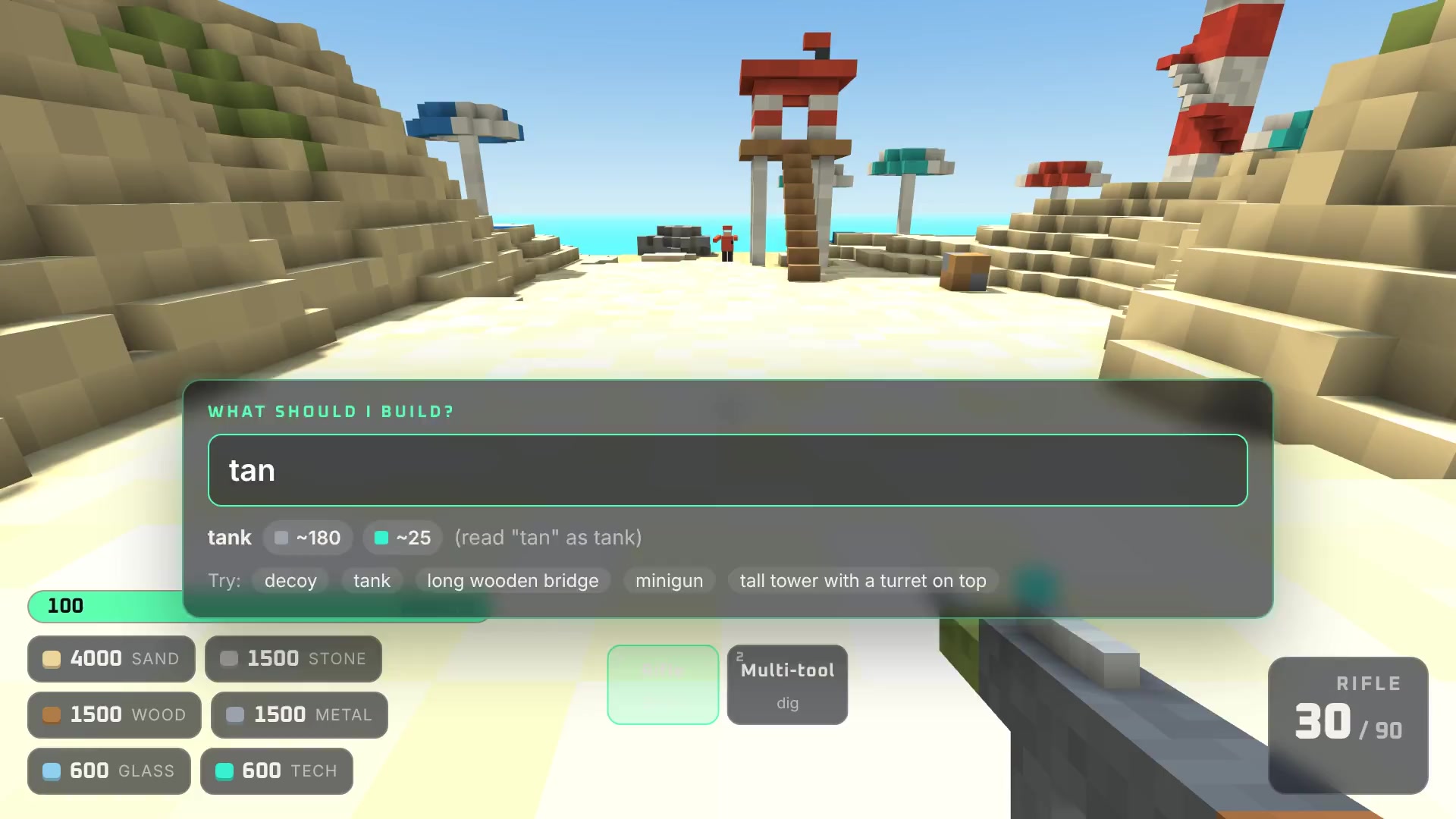
| Sandcastle Wars | 2 (1 vs 1) | Computer | Host picks the build time |
HQBG Cards: five more online games
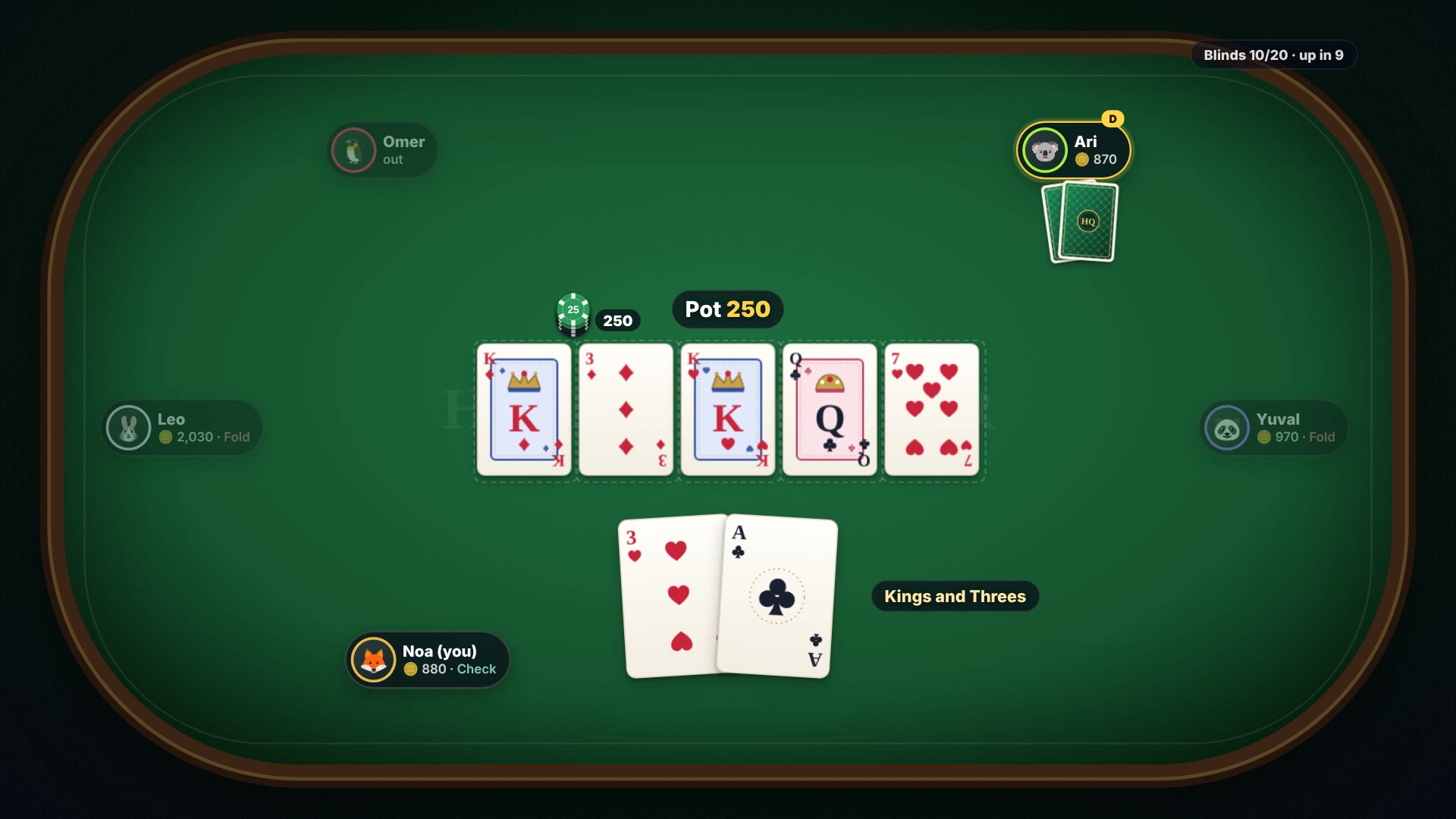
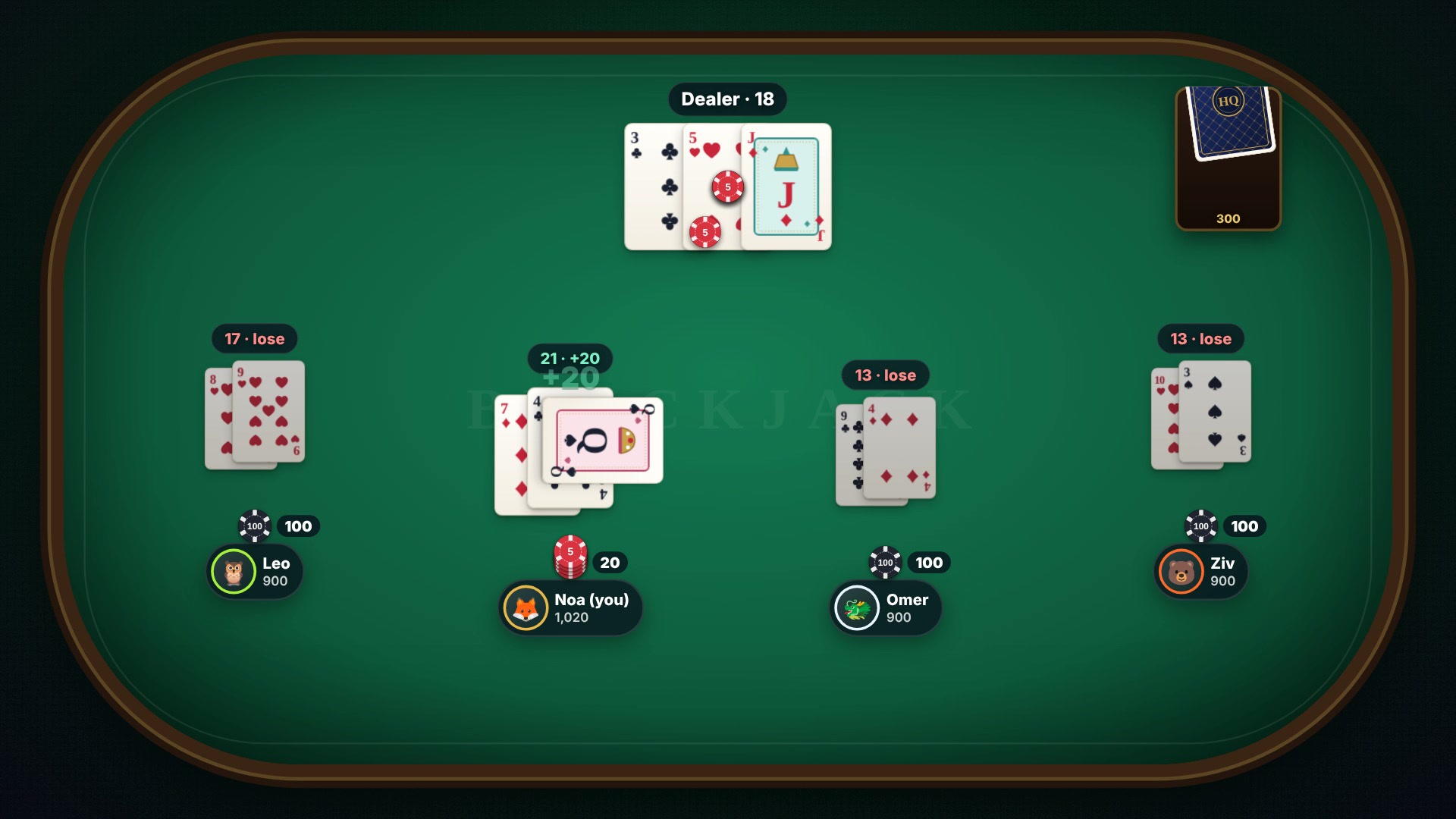
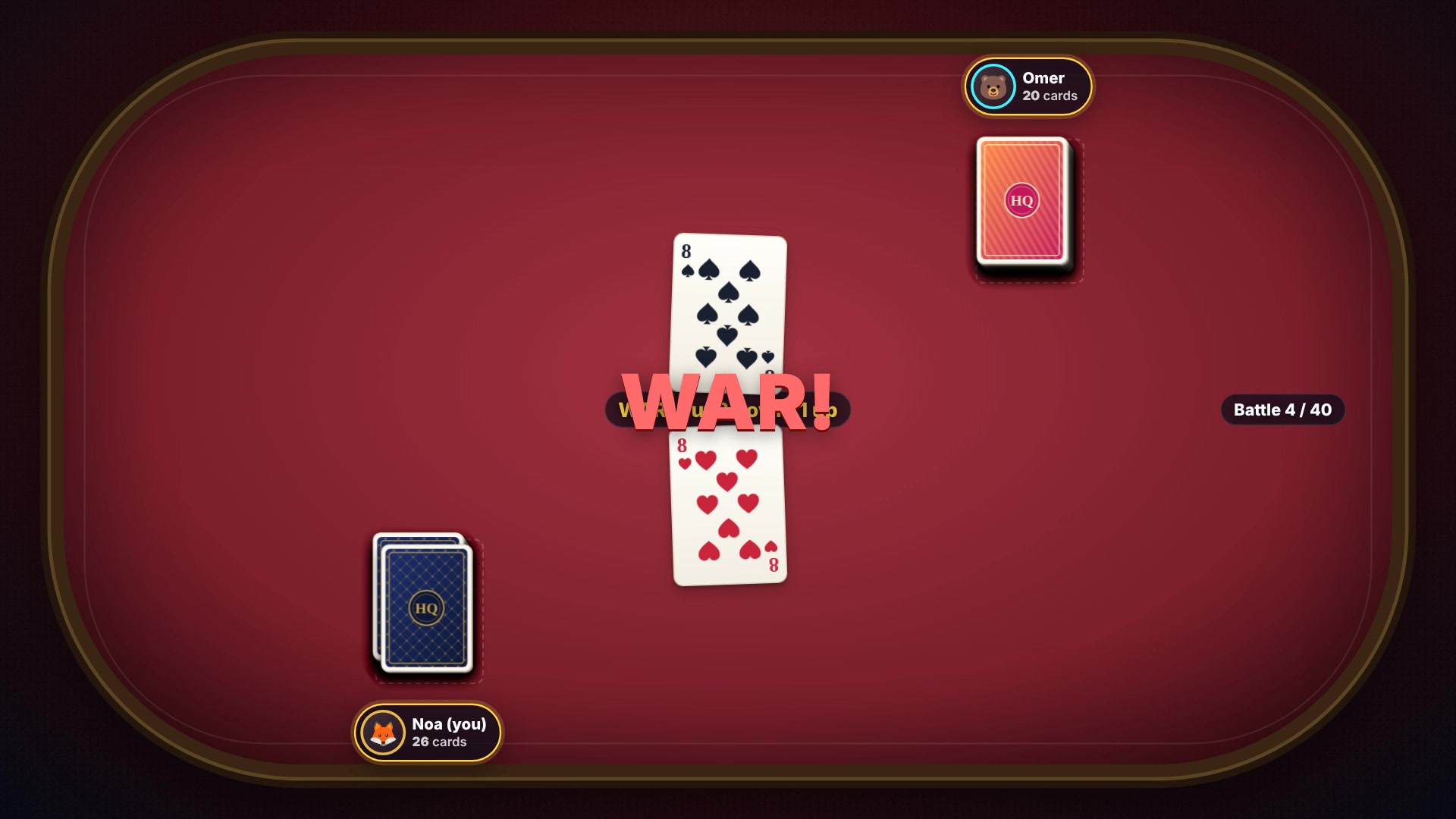
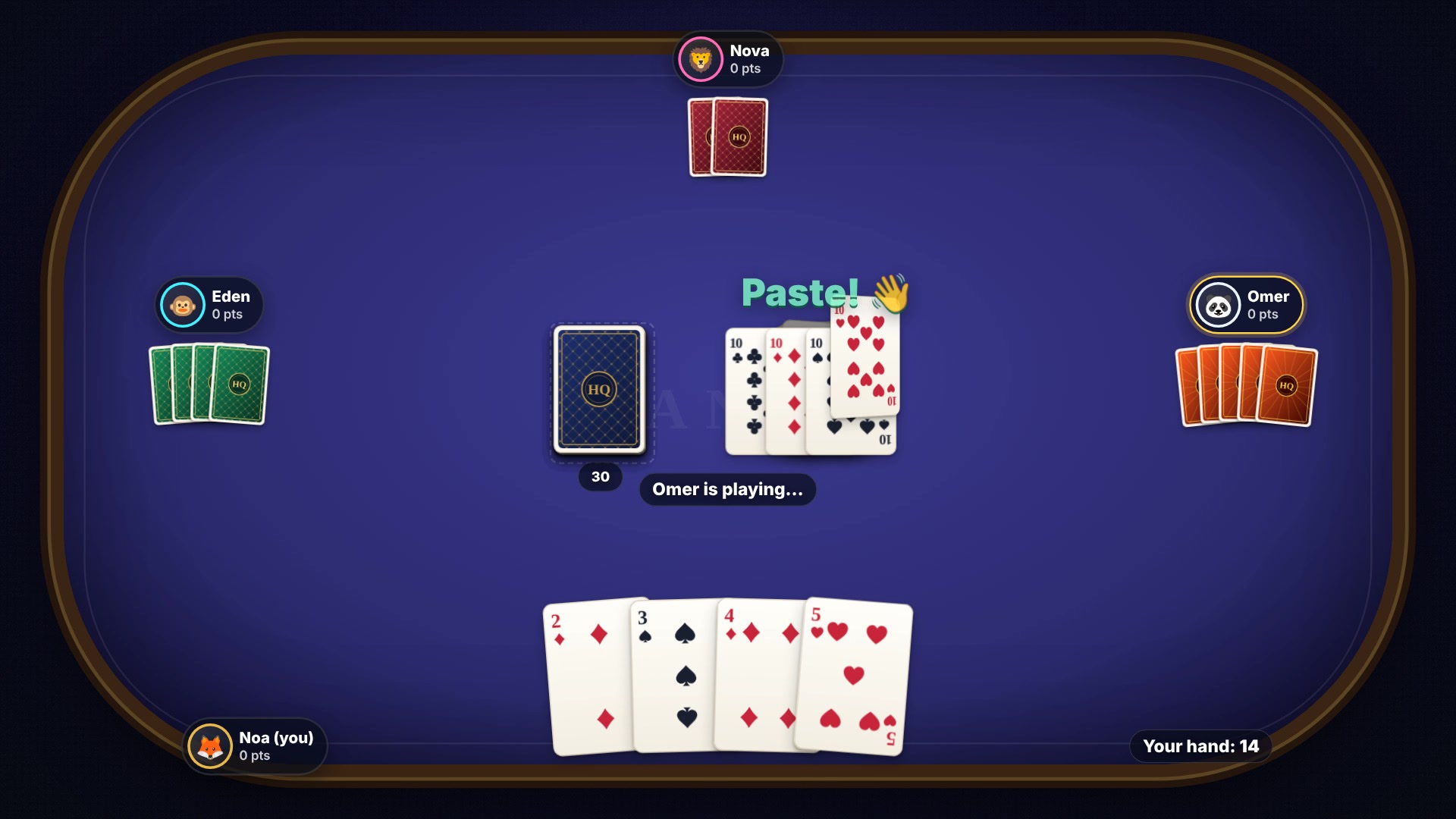
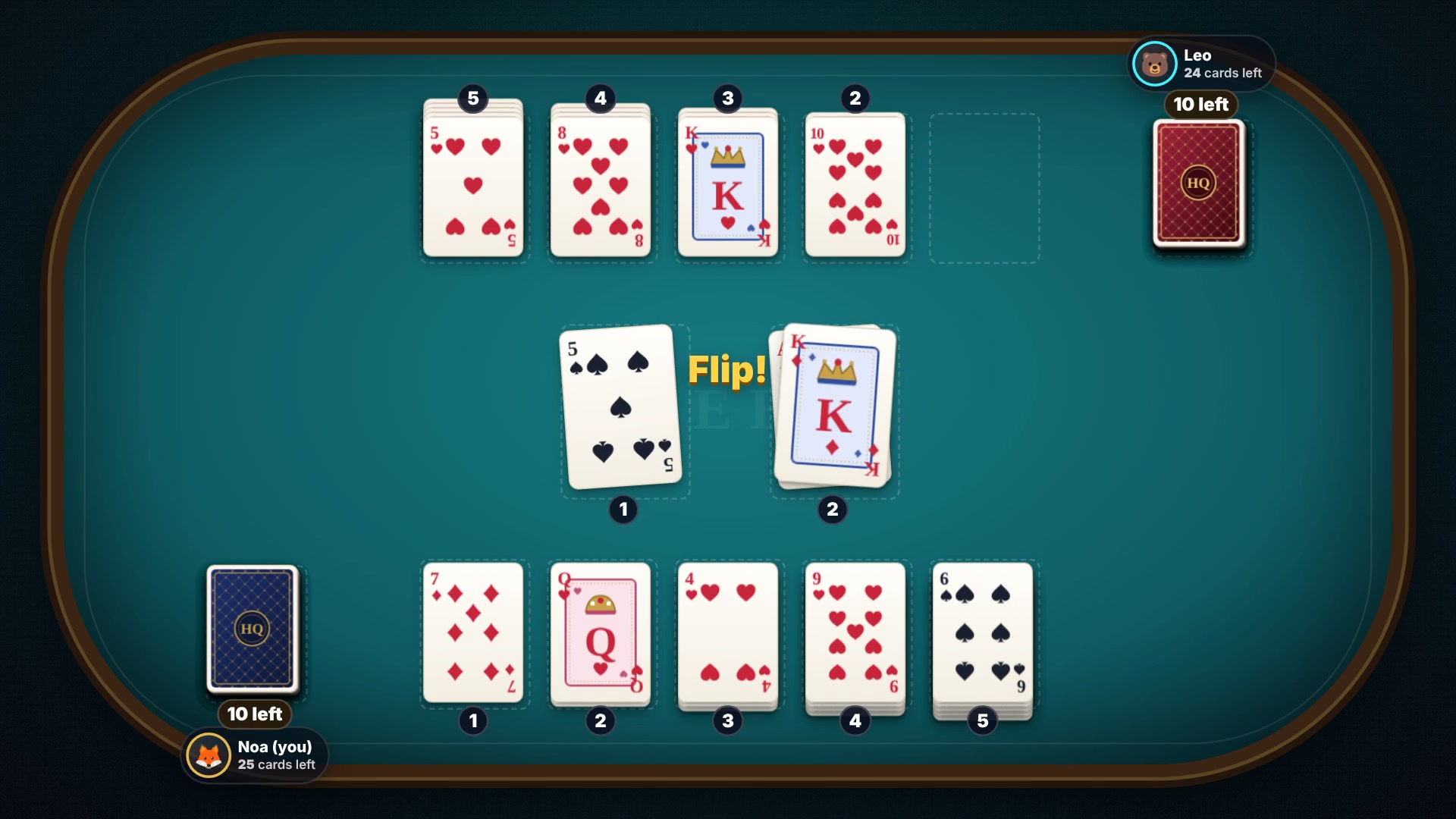
All five card games work on phones and computers with a 6-digit room code: Poker for up to 6, Blackjack and Yaniv for up to 5, and War and Speed for 1 vs 1.
When a friend can't join
- Check the code. Codes are 6 digits. The invite link avoids typos.
- Same game, same site. Both of you need to be on hqbg.ai in the same game.
- Refresh both pages and host a new game. If the host closed the game, the old code has nobody to connect to.
- Use Chrome or Edge and keep it up to date.
- Turn off a VPN or strict ad blocker for a moment. Some block the connection between players.
- School, work or hotel Wi-Fi sometimes blocks player-to-player connections. Try a home network or a phone hotspot.
- Keep the tab in front. Browsers slow down tabs in the background, which can drop you from a match.
Same room? Play on one screen
If your friend is next to you, you don't need online at all. Boom Box and Tagroo run two players on one keyboard, Wave Battler has couch co-op, and Toot Tots has split screen for up to 4 with controllers. See the best 2 player games on one keyboard and how to connect a controller.
Questions
No. Every HQBG game uses a 6-digit room code or an invite link, with no sign-up.
Usually a wrong code, an old code after the host left, a VPN, or a school or work network blocking the connection. Refresh, host a new game and try again.
Yes. Sky Seeker, Wave Battler, Poker, Blackjack, War, Yaniv and Speed all support online play on phones as well as computers.
It depends on the game: up to 10 in Toot Tots, 6 in Dune Duel, 5 in Primal Royale, 4 in Boom Box and Sky Seeker, and 2 in Wave Battler, Tagroo and Sandcastle Wars.
HQBG (hqbg.ai) is the headquarters of quality browser games: a home for free, console-style games made by one independent developer. You play them right in your browser, on a Mac or a Windows computer, with nothing to download.
Yes. Every game is free to play. Wave Battler sells a few optional cosmetic ship skins that only change how your ship looks. Guide and information pages may show ads; the games themselves never do.
No. Open a game page and press play. The games run in a modern web browser, so there is no store, installer or console needed.
Most of them do. Connect the controller with a cable or Bluetooth before you open the game, then press a button. The controller guide explains pairing step by step.
Keep reading
More guides
 How to Play Our Browser Games with a PS5 or Xbox ControllerPair a PS5 or Xbox pad and play7 min read
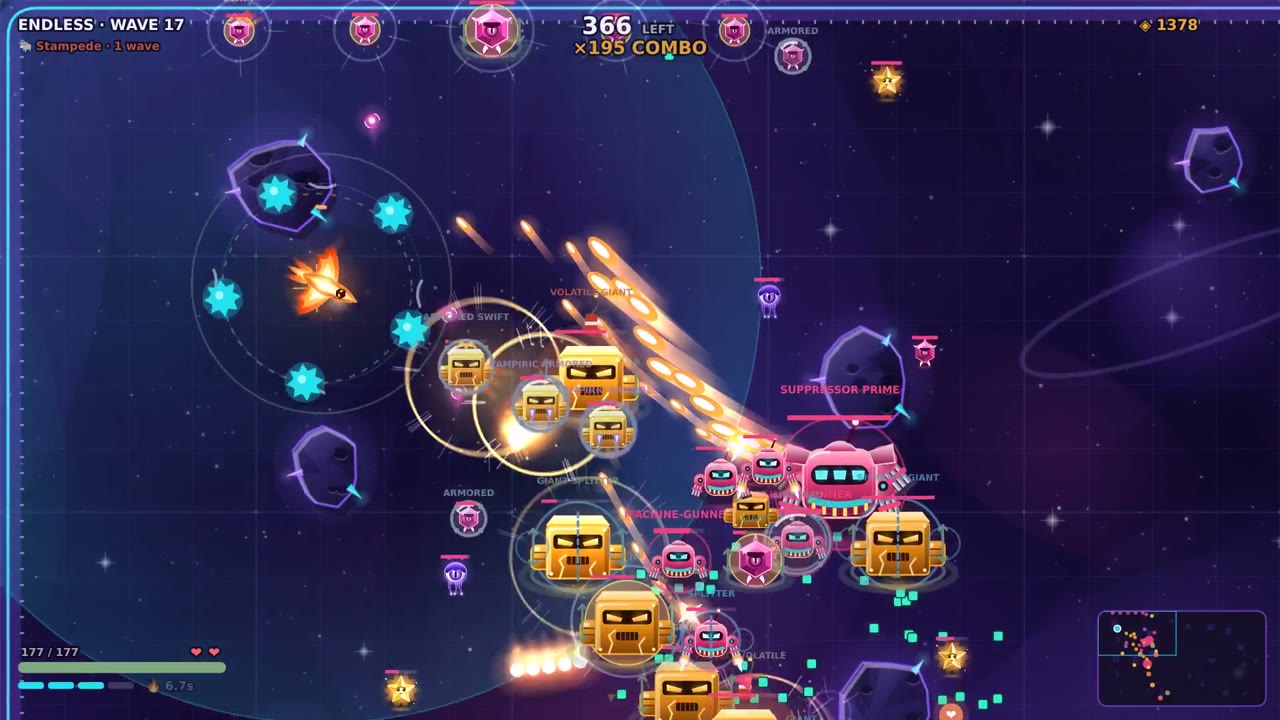 Wave Battler Beginner's Guide: How to Survive Your First RunsEverything you need for your first runs7 min read
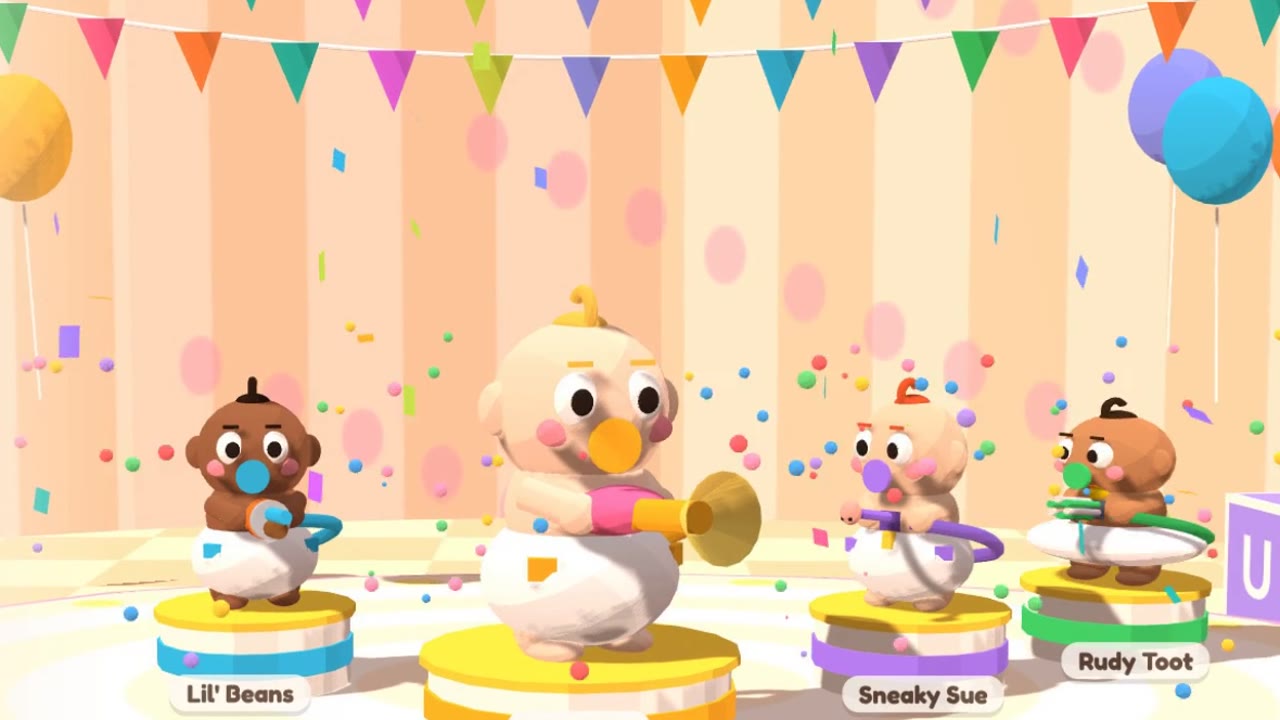 Toot Tots Beginner's Guide: Rules, Controls and Your First MatchRules, controls and babies for your first match7 min read
Follow along
New clips every day
Gameplay, boss fights, behind-the-scenes and the first look at new games.