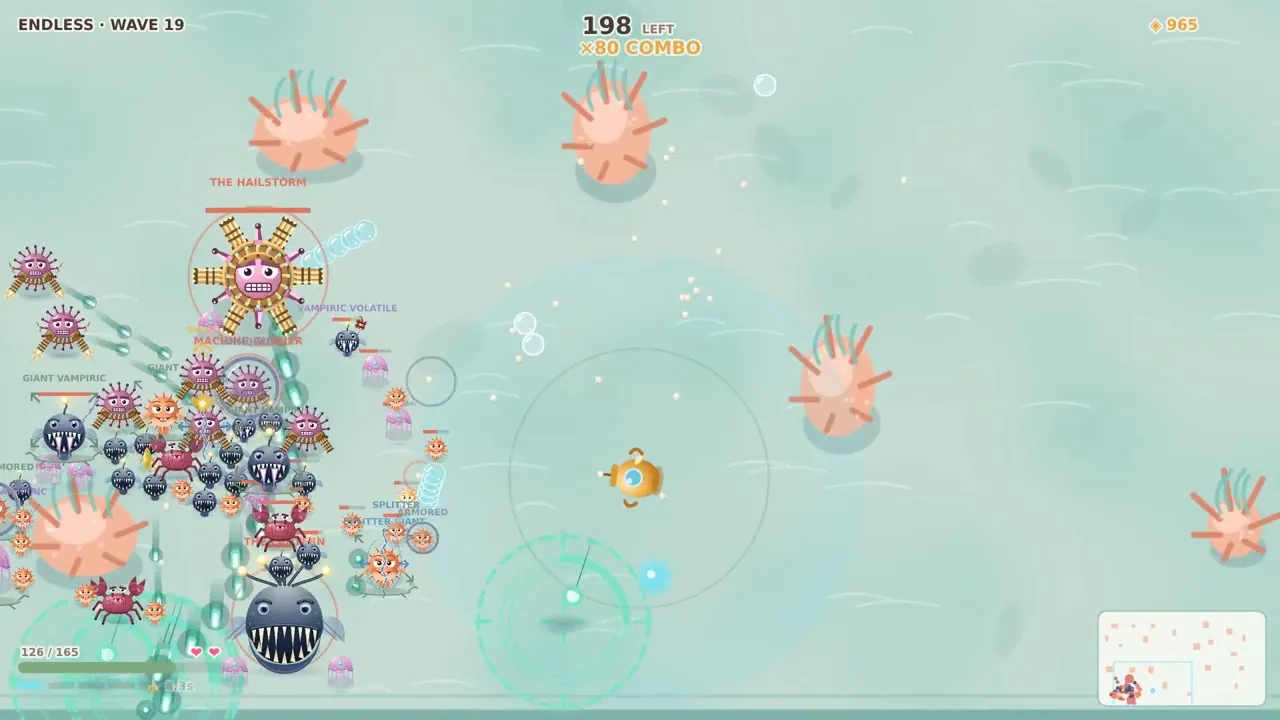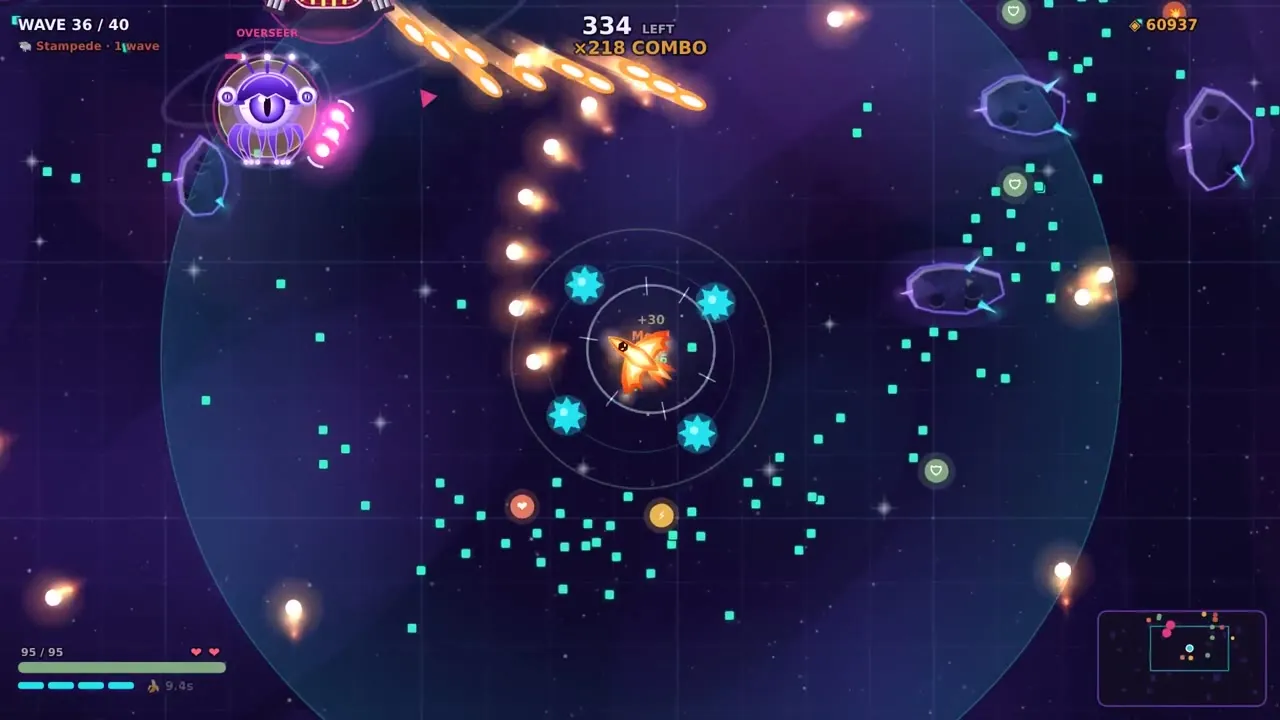
Behind the scenes Wave Battler
Making Online Co-op Work in Wave Battler
From laggy co-op on one Wi-Fi to playing with a friend anywhere with a 6-digit room code and no sign-up. What went wrong, what we fixed, and how it works now.
I wanted to play Wave Battler with my father. That was the whole reason co-op happened. The first version was local: two computers on the same Wi-Fi, one world, both fighting the same waves. It worked in tests. Then we played it for real, and for the person who joined it was very laggy.
The laggy first version
The host was fine. The friend who joined saw enemies jump around, shots appear late, and sometimes the game froze for a moment and caught up in a lump. We tried smaller updates and smoothing. It got a bit better, not good.
The fixes that mattered came from measuring. A few things turned up:
- The host's computer was doing far too much work per frame in co-op, so it sent updates late.
- The game was sending updates too often, with no brakes. When the line backed up, everything queued behind everything else.
- On Macs, a Wi-Fi feature used for AirDrop briefly takes the radio away about once a second, which shows up as tiny freezes.
- Later we found a funny one: the joining player's first key press in battle froze the game for a second or two, because that was the moment the battle sounds were all being prepared at once.
Now the game sends fewer, smaller updates, never runs too far ahead of what the other player has received, and drops an old update instead of queueing it when a newer one is coming anyway. Sounds are prepared a little at a time.
Going online: a room code and nothing else
Local co-op only works when you are in the same house. I wanted to play with people anywhere, from the website, with as little setup as possible. I made a few choices early:
- Join with a 6-digit code. The host opens a room and reads out the number. The friend types it in on an on-screen number pad.
- No sign-up and no account. You open the page and play.
- Phones can host and join too, so phone with phone works.
There is no big game server. The host's browser runs the world, the same way as in local co-op, and the two browsers talk to each other directly. The website only helps them find each other using the room code.
The first real test failed
The first real try was my Mac on one home Wi-Fi and my iPhone on another. The room worked instantly. Both sides found each other. And then they could never actually connect. Many home internet connections don't let two homes connect to each other directly, and that seems common here in Israel.
So we added a relay server. When a direct line can't be made, the game passes the messages through the relay instead. The game always tries the direct way first and only asks for the relay if that fails, so a pair that can connect directly never touches it. The same night it worked: Mac hosting, iPhone joining through the relay, playing real waves together.
Small fixes from the first games
- The joining player couldn't move with WASD in one case, because the page remembered an old player's input from an earlier game. Fixed.
- On Neon Grid the joining player saw no shot trails. Fixed.
- If the line drops, the host pauses and the friend reconnects by itself. Reloading the page puts you back in the same room.
- If one of you has an older version, the game says so and asks you both to refresh.
Co-op also changed the balance. Two players killed bosses far too fast, so in co-op bosses and enemies get a lot more health as the waves climb. We tuned those numbers by playing co-op ourselves.
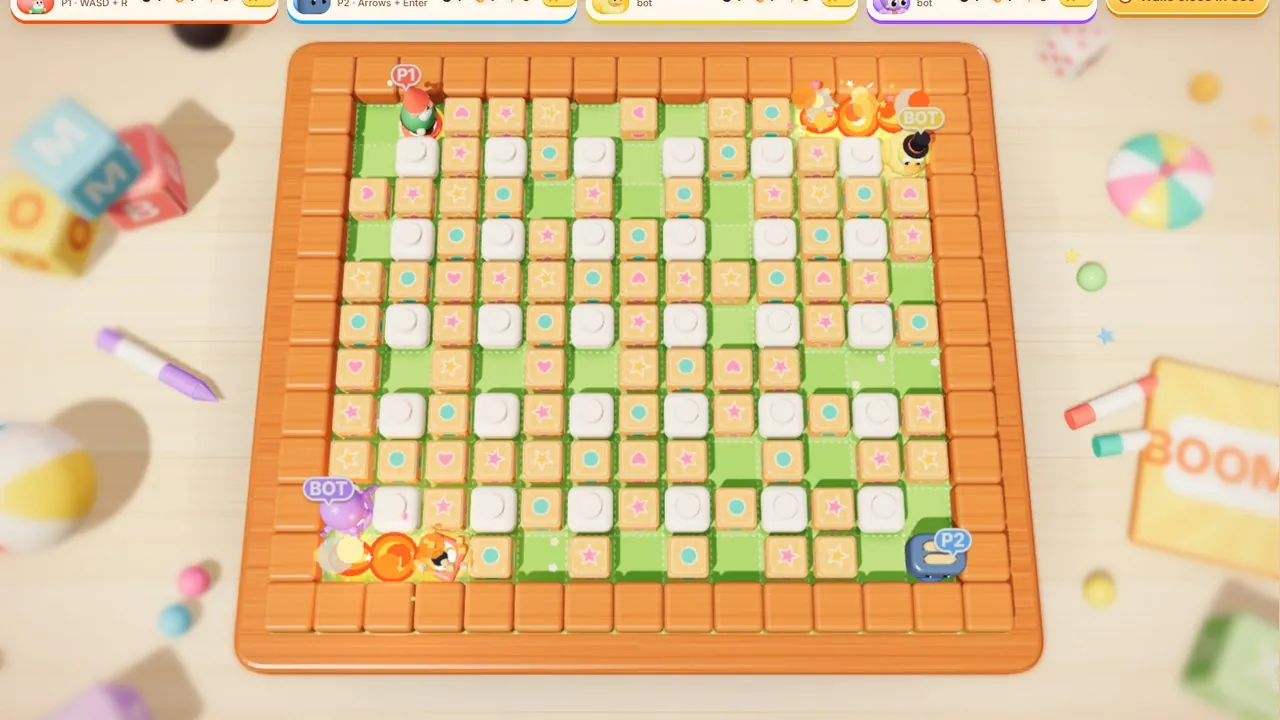
The same room-code system now runs in Toot Tots, Boom Box and Tagroo. If you want to try it, open Wave Battler, choose online co-op and send a friend the code. More about the game is on the Wave Battler page.
Play it
Wave Battler is free in your browser