Best of Best of
The Best Free Co-op Browser Games to Play with Friends (2027)
Free co-op browser games where you and your friends play on the same side: online co-op, couch co-op on one screen, and team games. No download needed.
Short answer: for real online co-op, play Wave Battler (2 players against waves of enemies and 10 bosses). For two people on one keyboard, Fireboy and Watergirl. For building together, Minecraft Classic or Bloxd.io. For a team of friends against bots, Toot Tots. All free, all in the browser.
Co-op or team game? A quick note
Co-op means you and your friends play together against the game. Team games put you on the same side, but against other people. Both are on this list, and each pick says which it is.
| Game | Type | Players | Where you play |
|---|---|---|---|
| Wave Battler (HQBG) | Co-op vs the game | 2 | Online, or one screen |
| Fireboy and Watergirl | Co-op puzzles | 2 | One keyboard |
| Minecraft Classic | Build together | Small group | Online (share a link) |
| Bloxd.io | Survival and building | Online | Computer or phone |
| Toot Tots (HQBG) | Your team vs bots or friends | Up to 10 | Online, or split screen for 4 |
| Gartic Phone | Everyone builds one funny chain | Up to 50 | Online |
| Codenames Online | Team vs team | 4–8 | Online |
| Narrow One | Team vs team | Online teams | Computer or phone |
Best online co-op
1. Wave Battler (HQBG)
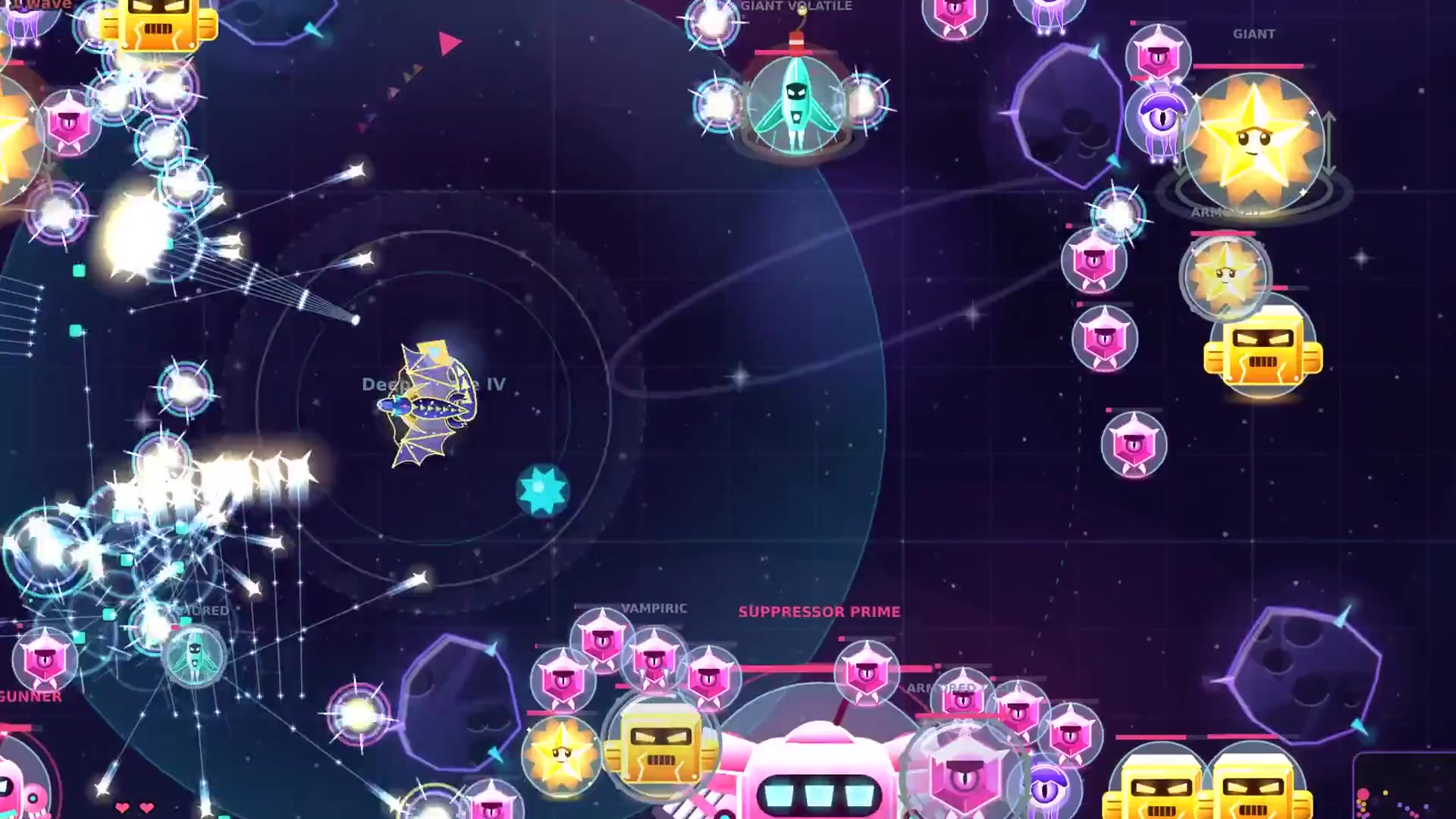
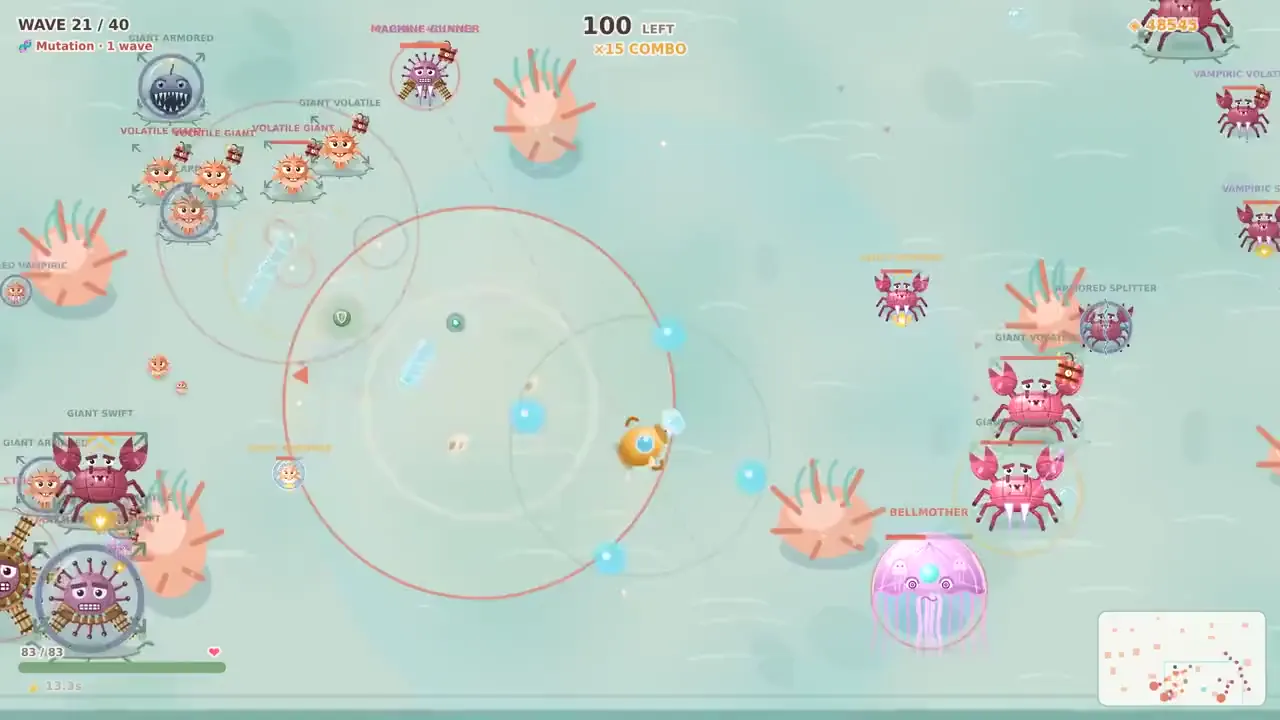
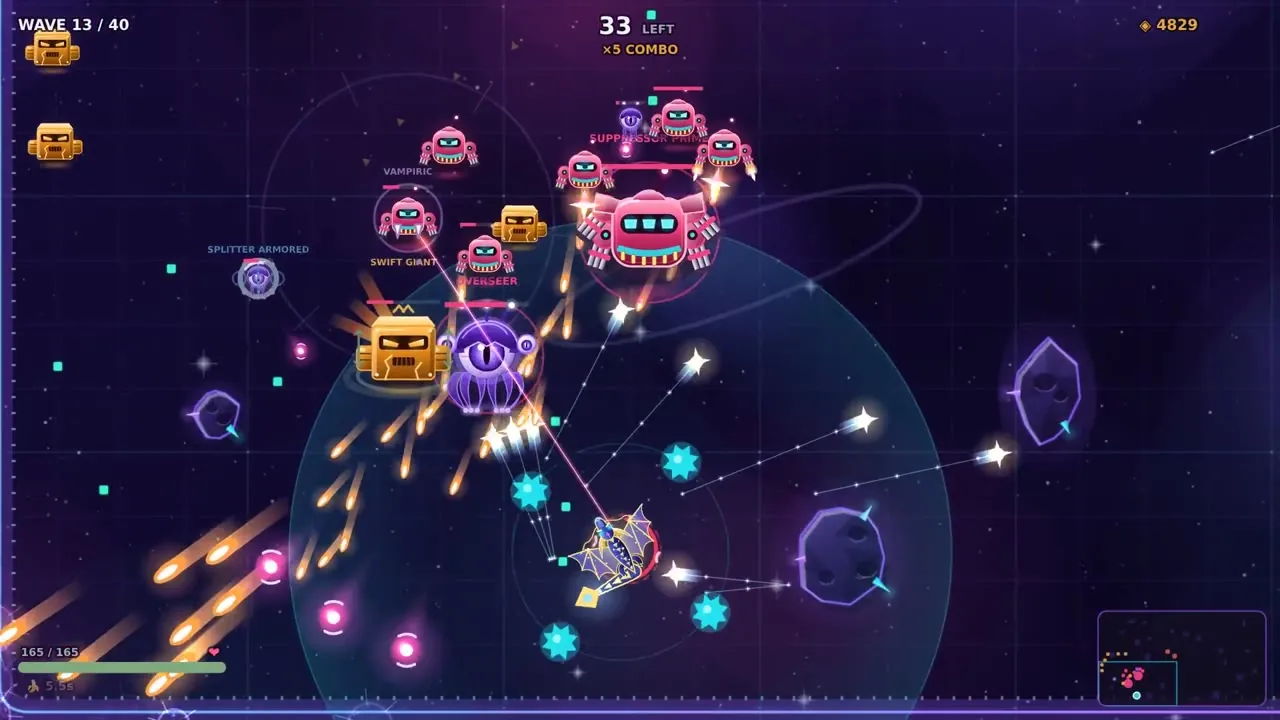
Two ships against 40 waves of enemies, with a boss every fifth wave. One player hosts and gets a 6-digit code, the other types it in. No sign-up. Bosses get much tougher in co-op, so split up and hit them from two sides. It runs on computers and phones. Play Wave Battler · co-op guide
2. Minecraft Classic
The official browser version of the 2009 original, from Mojang. Creative mode only, 32 blocks, no monsters. Send friends your world's link and build together. classic.minecraft.net
3. Bloxd.io
A block world with survival, creative and a long list of minigames. Join friends in the same lobby and work together, or switch to the competitive modes when you're ready. Works on computers and phones. bloxd.io
Best couch co-op (one screen)
4. Fireboy and Watergirl
The classic two-player puzzle game. One player uses the arrow keys, the other W A S D. Fireboy can walk through fire but not water; Watergirl the opposite. Neither can finish a level alone. There are several games in the series, and an online version on the big portals.
5. Wave Battler couch co-op (HQBG)
Two heroes on one screen, on one computer. Use two halves of the keyboard, or a controller each. Good for siblings and parents with kids. How to set it up
Best team games
6. Toot Tots (HQBG)
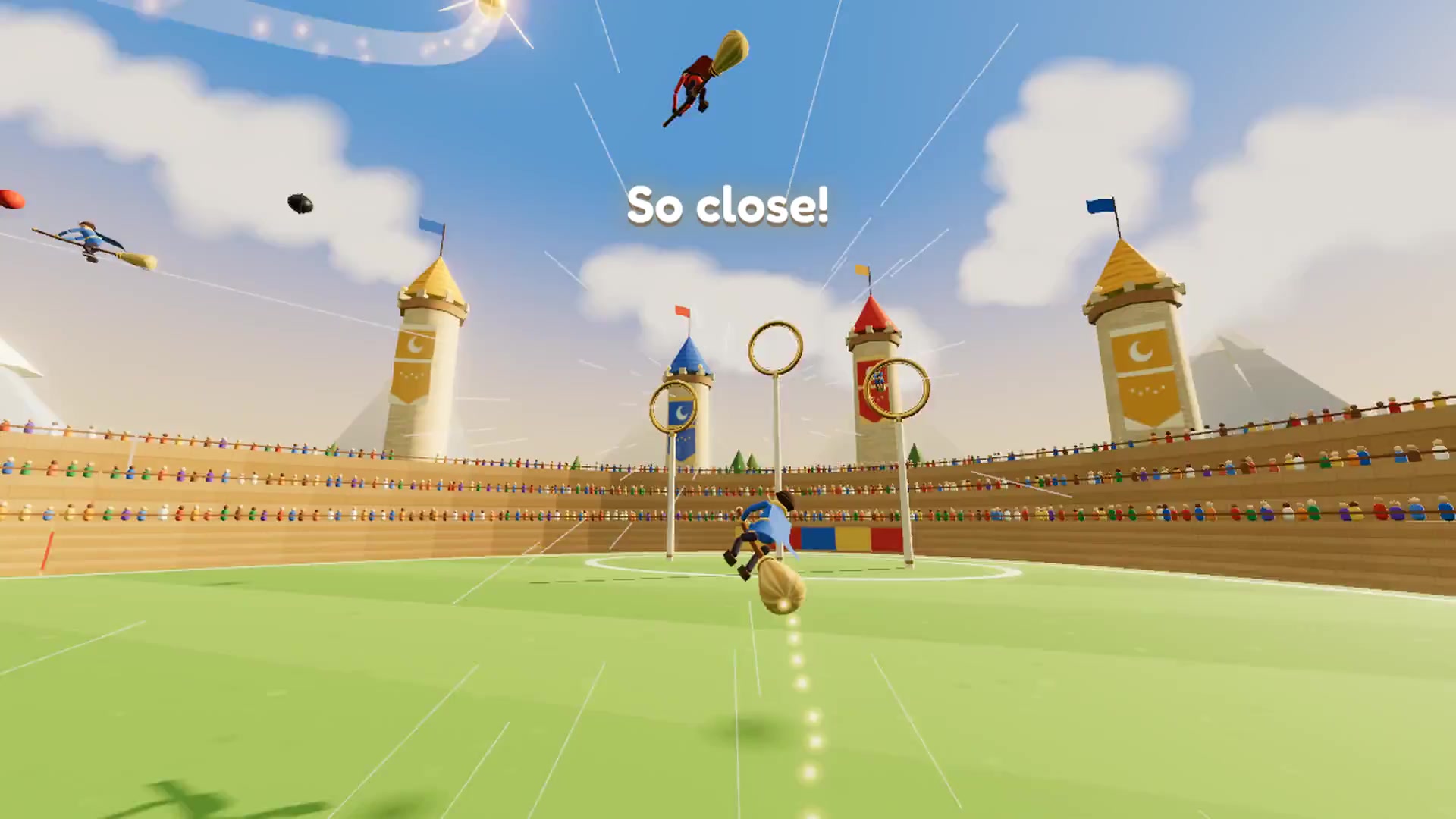
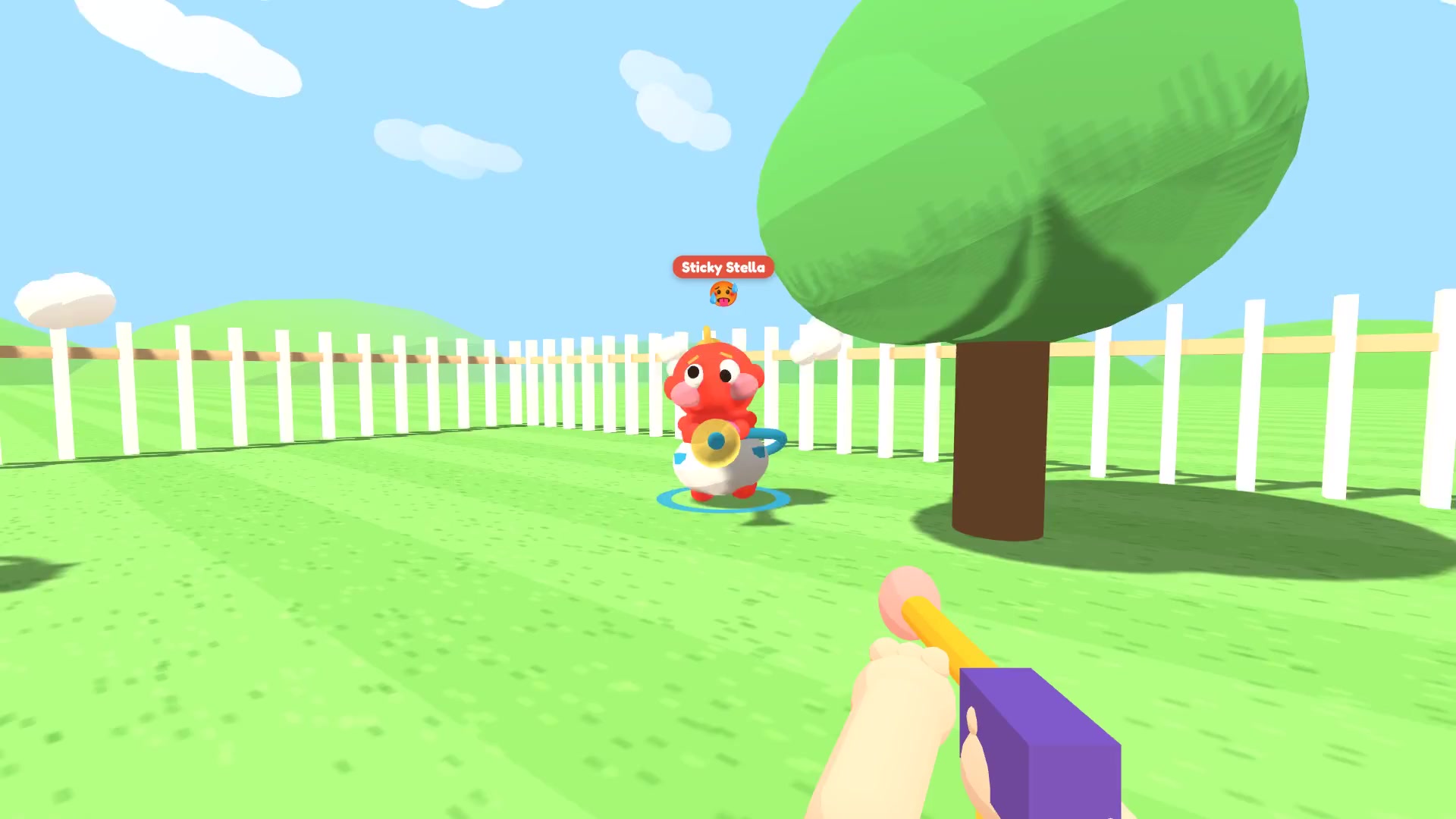
Team Diaper and Capture the Flag put you and your friends on Team Bottle or Team Binky. Fill the rest with bots and it becomes co-op against the bots. Up to 4 in split screen with controllers, or up to 10 online. Play Toot Tots · Capture the Flag guide
7. Gartic Phone
Nobody wins, everybody laughs. Each person adds a drawing or a line to a chain, and the end result is shown to everyone. Up to 50 players. garticphone.com
8. Codenames Online and 9. Narrow One
Codenames is word clues for two teams of friends. Narrow One is team archery capture-the-flag that works on phones too. codenames.game · narrow.one
Tips for a smooth co-op night
- Get on a voice call first. Most browser games have no voice chat. A call makes co-op ten times better.
- Use the same browser. Chrome or Edge is the safest choice for everyone.
- Codes beat accounts. HQBG games use a 6-digit room code, so nobody has to sign up.
- If it won't connect, read how to play browser games with friends online.
Questions
For online co-op, Wave Battler: two players against 40 waves and 10 bosses with a 6-digit code. For one keyboard, Fireboy and Watergirl.
Yes. Wave Battler, Minecraft Classic, Bloxd.io and Toot Tots all let friends join from their own computers with a code or a link.
Yes. Fireboy and Watergirl and Wave Battler's couch co-op both run two players on one screen.
Not for the HQBG games, Gartic Phone or Minecraft Classic. Some games ask for one to save progress.
HQBG (hqbg.ai) is the headquarters of quality browser games: a home for free, console-style games made by one independent developer. You play them right in your browser, on a Mac or a Windows computer, with nothing to download.
No. Open a game page and press play. The games run in a modern web browser, so there is no store, installer or console needed.
Most of them do. Connect the controller with a cable or Bluetooth before you open the game, then press a button. The controller guide explains pairing step by step.
Wave Battler plays on phones held sideways, with an on-screen joystick, and Mole Holes works on phones and tablets. The party games are made for computers. You can add hqbg.ai to your home screen to open it like an app.
Keep reading
More guides
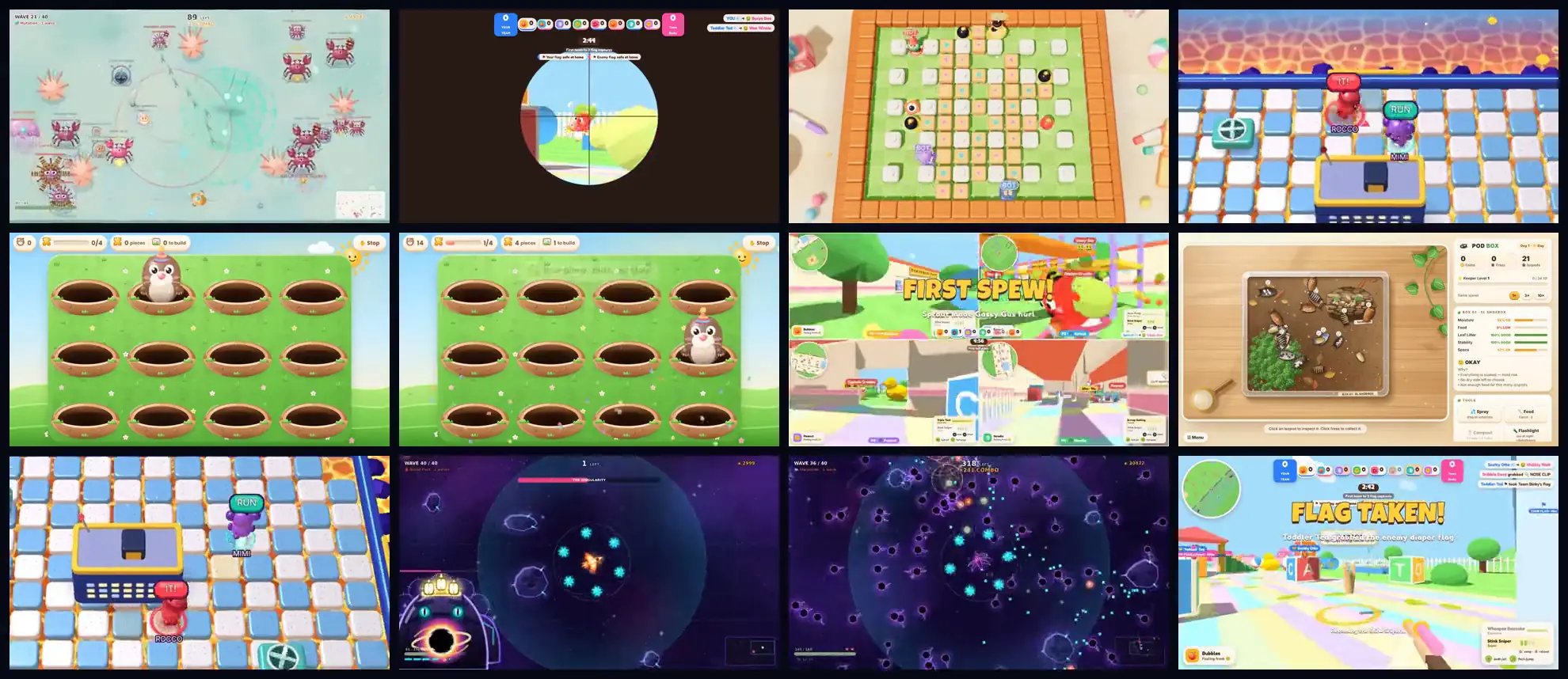 The Best Free Browser Games for 2027: 18 Picks, No Download18 free games, sorted by mood9 min read
 The Best Single-Player Browser Games for 2027 (Free, No Download)Great games for when you're alone7 min read
 Console-Quality Free Games for Phone and PC in 2027 (Browser)3D, smooth and free, no download7 min read
Follow along
New clips every day
Gameplay, boss fights, behind-the-scenes and the first look at new games.